Trackr: a board for your testing
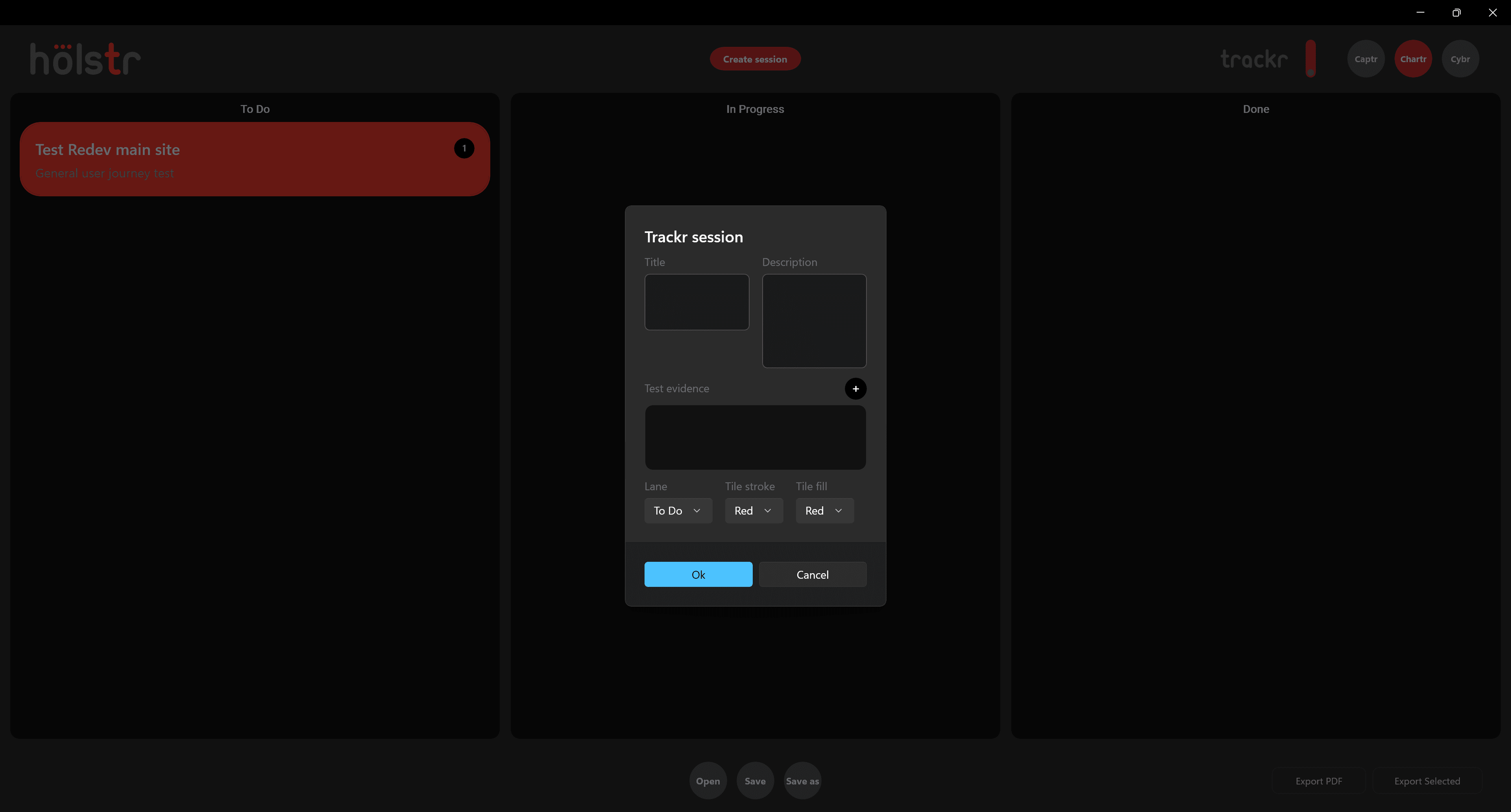
Trackr is a simple board for test sessions. Each card has a title, a description and the test evidence that goes with it. Move cards from To Do to In Progress to Done, and colour them however suits the way you work.
What Trackr does
- Three lanes
- To Do, In Progress and Done.
- Session cards
- A title, description and attached test evidence on each card.
- Colours
- Choose the outline and fill for each card to group work at a glance.
Why it matters
- Exploratory testing is easier to plan, and to report on, when every session is visible.
Good to know
- Trackr is for your own testing. It does not sync with team tools like Jira.
Questions
Can I attach evidence to a session?
Yes. Each card has a test evidence section.
Also in Holstr
Bring your next test session into one place
Get Holstr, or book a demo and see the whole workspace in action.