Injectr: API testing in the same workspace
Injectr lets you build a request, send it and read the response without leaving Holstr. Set the URL, method, headers, auth and body, attach a client certificate when you need one, and save each test so the suite travels with the rest of your session.
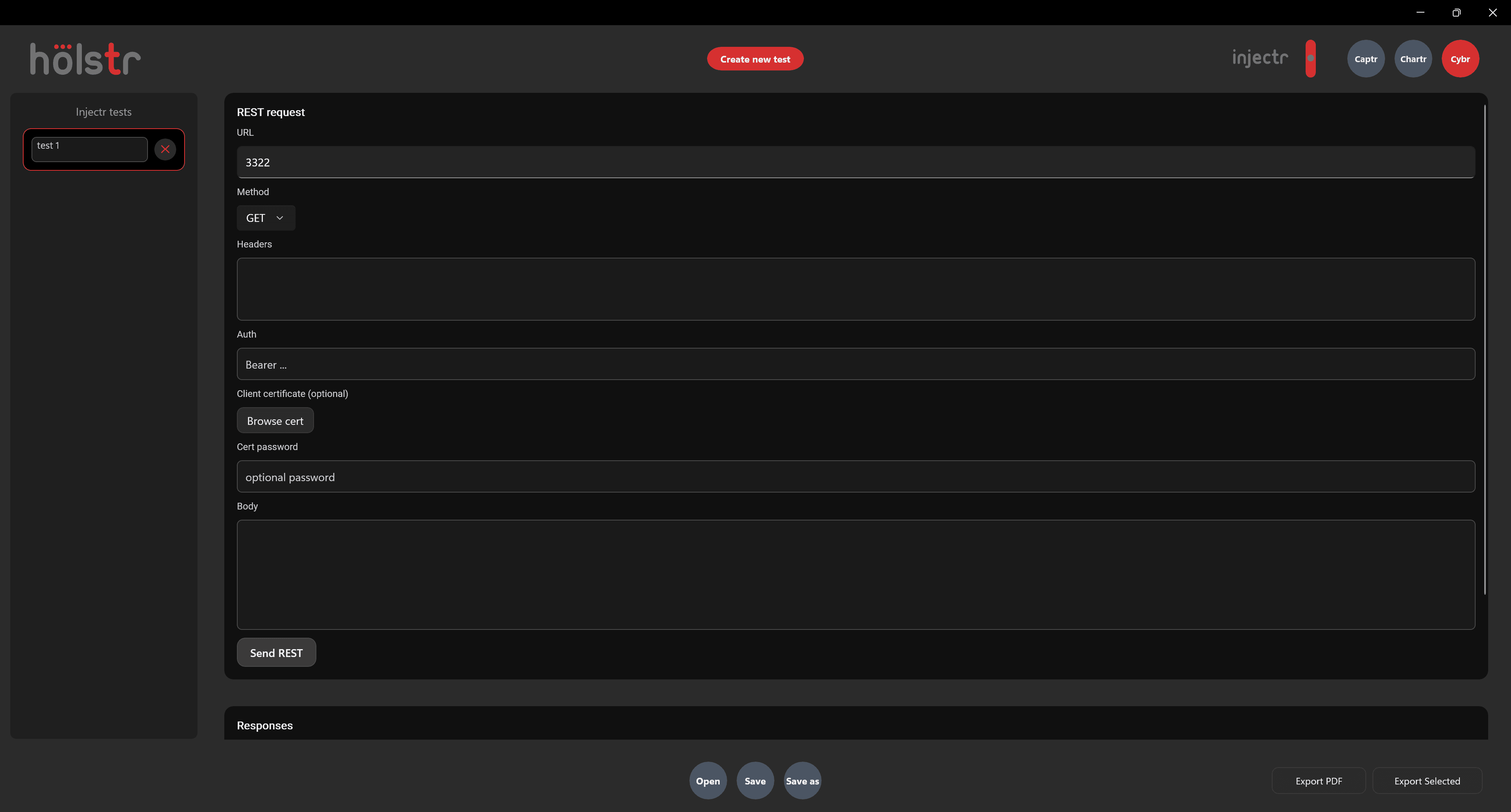
What Injectr does
- Requests
- URL, method, headers and body for each request.
- Authentication
- Bearer tokens, and client certificates with an optional password.
- Responses
- Responses shown under the request so you can check them straight away.
- Saved tests
- A named list of tests you can return to, edit and re-run.
Why it matters
- Many defects live behind the interface. Testing the API directly shows whether a problem is in the front end or the service.
- Keeping API checks with your screenshots and charters keeps the whole story of a session in one file.
Good to know
- Use test credentials and test environments. Requests are sent for real.
Questions
Do I need to write code?
No. Requests are built from fields: URL, method, headers, auth and body.
Does Injectr support SOAP?
Yes, alongside REST. [Confirm how SOAP requests are set up before launch.]
Also in Holstr
Bring your next test session into one place
Get Holstr, or book a demo and see the whole workspace in action.